Getting Started2 / 6
Choosing a Photo
Read Other Guides
Tips for choosing a photo that makes stunning artwork
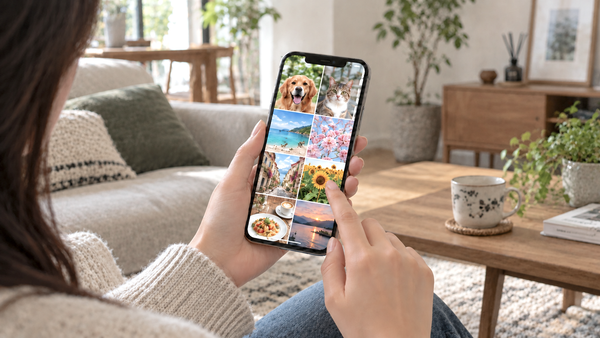
Choosing your photo is the single most important factor in how your Paint Yours turns out.
Photos we recommend! 🙆♀️
The best photos have these three things in common.
- High quality and in focus
- Naturally bright, with clear colors
- The subject, such as a person or pet, appears large in the frame
We recommend bright, vivid photos taken in natural light. If you're painting people or pets, choose a photo where their face and expression are clearly visible.
If the subject is small, fine details like the eyes and mouth are hard to reproduce. The key is to choose a photo where the subject is as large as possible and the background is uncluttered.
Just keeping these three points in mind helps expressions and colors come through, making your finished artwork much more appealing ✨
Photos to be careful with 🔍
With photos like the ones below, fine details can be hard to see, or the overall impression may not come across well.
- Backlit, so the face or subject looks dark
- The opposite: so bright that it's overexposed
- Out of focus and blurry
- The subject is small in the frame
Photo tips by subject 💡
🐶 Pet photos
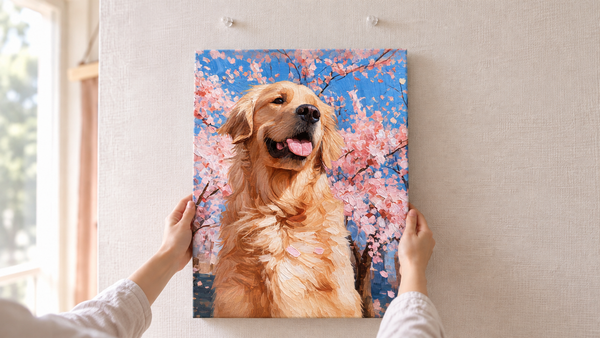
We recommend photos where the face is large and the eyes, nose, and expression are clearly visible. Choose a photo taken in a bright place so the fur color and texture show clearly.
With dark-coated pets such as black cats and black dogs, the eyes and the outline of the face can blend into the fur and disappear. To avoid this, we recommend the Illustration output in our image editing tool, Paint Yours Studio, introduced in the next chapter 🎨
👨👩👧 Photos of people
We recommend photos where natural light falls evenly across the face and the expression is clearly visible. This makes it easier to capture natural skin tones and the expressions around the eyes and mouth.
In photos taken against the light or in dark places, shadows fall across the face and skin may appear darker and browner than it really is. Choose a photo with even brightness overall rather than one where only part of the face is strongly lit.
If you want to capture expressions clearly, check that each person's face is large enough for their expression to be seen.
🌿 Landscape photos
We recommend photos with a clear main feature, such as the sky, sea, mountains, or buildings, and good color contrast. Photos with rich color changes, like sunset or ocean gradients, make colorful artwork with a sense of depth 🌈